Secure Message is a self-hosted mail security gateway. It sits in front of your existing mail server and filters inbound mail — Postfix content filtering, spam scoring, DNSBL, and SPF, DKIM and DMARC. The encrypted recipient portal is Professional. Your mail server, mailboxes and clients do not change.
What you are deploying
One Debian host running Postfix, a content filter, PostgreSQL, and three web applications behind nginx. It is a single-node appliance: there is no external dependency to operate it, no cloud component in the mail path, and no message content leaves your infrastructure unless you explicitly enable a hosted AI provider.
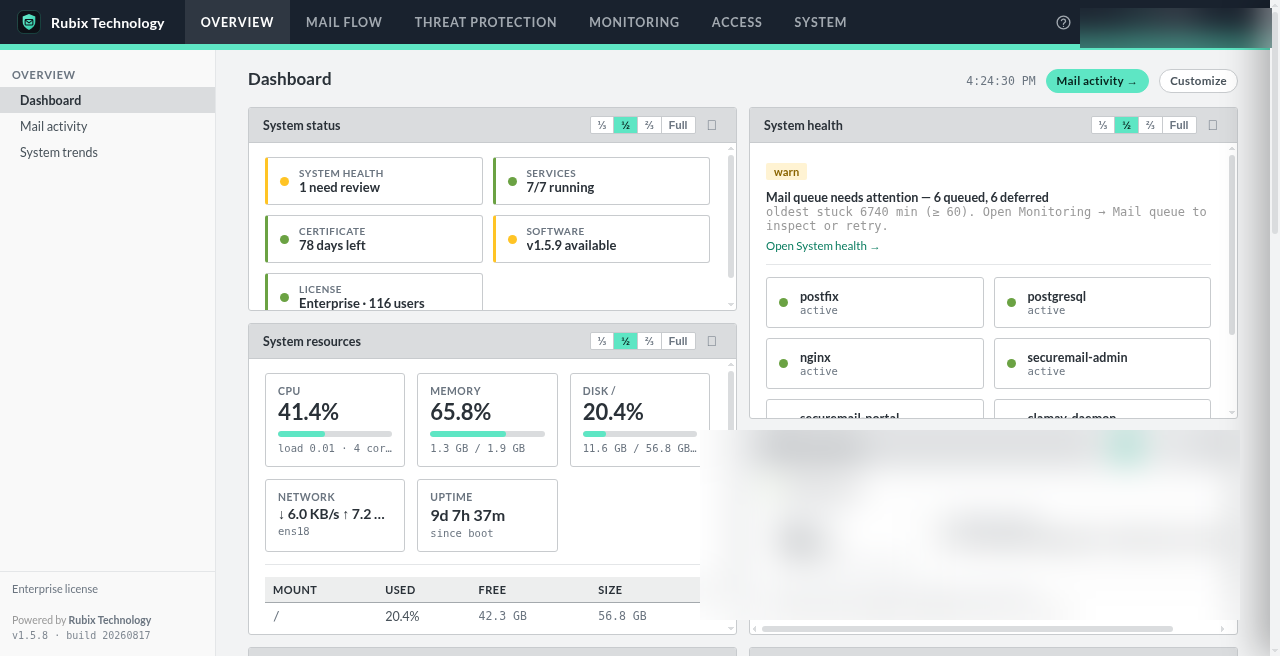
| Fact | Value |
|---|---|
| Supported OS | Debian 13 “Trixie” |
| Install method | sudo ./install.sh — native systemd services |
| Inbound ports required | 25 (SMTP), 80 and 443 (portal, console, certificate issuance) |
| Outbound required | TCP 25 to arbitrary MX, TCP 443, DNS |
| Database | PostgreSQL on 127.0.0.1, created by the installer |
| Encryption at rest | Fernet (AES-128-CBC + HMAC-SHA256), key held only on your host |
| Licence binding | One licence key per appliance, bound to its node ID |
Sizing. Start at 2 vCPU and 4 GB RAM. If you enable anti-malware scanning, budget roughly 2 GB of that for ClamAV’s signature database alone, and expect the first signature download to pull several hundred megabytes.
Start here
1. Prepare the host
Debian 13 install, networking, firewall and the DNS you need in place first.
2. Install the gateway
Run the installer, create the first administrator, complete the setup wizard.
3. DNS, TLS & mail records
Certificates, MX cutover, and SPF, DKIM and DMARC.
Architecture & mail flow
Every hop a message takes, inbound and outbound, and what runs on which port.
Encryption & access control
What is encrypted and with which key, audit logging, RBAC and administrative access.
AI threat detection
The message classifier and the tuning advisor, including fully self-hosted inference.
How licensing works
A licence key embeds the node ID of the appliance it is issued for, so it cannot be created before the software is installed. Issuance is therefore two steps, and the order matters:
- Request a licence at Get a free license. You receive an activation code by email — not yet a key.
- Install the gateway. It derives and displays its node ID.
- Enter the code and node ID at Activate to receive the licence key, then apply it under System → License.
Re-submitting the same code and node ID is safe: it returns the existing key and does not consume another seat.
You do not need a licence to evaluate the product. With no key applied the gateway runs in the Community tier — 1 domain and 1 administrator. Community includes Postfix content filtering and reinjection, spam scoring and DNSBL, SPF, DKIM and DMARC checks, quarantine and mail log, admin MFA, and Community support. A paid key raises those limits and unlocks Professional and Enterprise features. Updates require a licence key.
If something goes wrong
Two commands answer most questions, and both are safe to run at any time:
# Services, database, secrets and web endpoints
sudo /opt/securemail/scripts/smoke_test.sh

# End-to-end readiness: DNS, reverse DNS, ports, TLS, mail records
sudo /opt/securemail/venv/bin/python /opt/securemail/scripts/preflight.py
The same preflight checks are rendered in the console under Diagnostics. Beyond that, the content filter logs to /var/log/securemail/filter.log and Postfix to /var/log/mail.log. Still stuck? support@secure-message.io.