
Financial correspondence, kept in good hands.
Support secure handling of sensitive financial correspondence (statements, account details and tax documents) with a gateway you run and a recipient experience clients won't complain about.
- Outbound · card number detectedLuhn-checked · held by DLP rule
- Outbound · disclaimer appendedExternal recipient
- Archive read · re-authenticated10-minute grant · audited
What we hear from teams like yours.
Invoice and payment fraud
Lookalike senders and spoofed domains try to redirect payments.
Documents clients need to read
Statements and tax forms need a safer route than a plain attachment.
Records and reviews
You need to show who changed what, and find old messages when asked.
Card and account numbers in outbound mail
Staff occasionally paste numbers that shouldn't leave the building.
Practical protection, clearly licensed.
Catch impersonation
SPF, DKIM and DMARC checks on every inbound message, plus anti-phishing and spoof defense on Professional.
CommunitySend documents securely
Hold sensitive messages for the one-time-code portal. Clients read and reply without an account.
ProfessionalDLP & eDiscovery
Outbound inspection with checksum validation (card numbers are Luhn-checked) and archive search with separated access.
EnterpriseAudit everything
Every administrative change is audited automatically and exportable.
Every planFamiliar for staff. Visible for IT.
Staff keep their email client. Administrators get a console that shows what was held and why.
Explore the product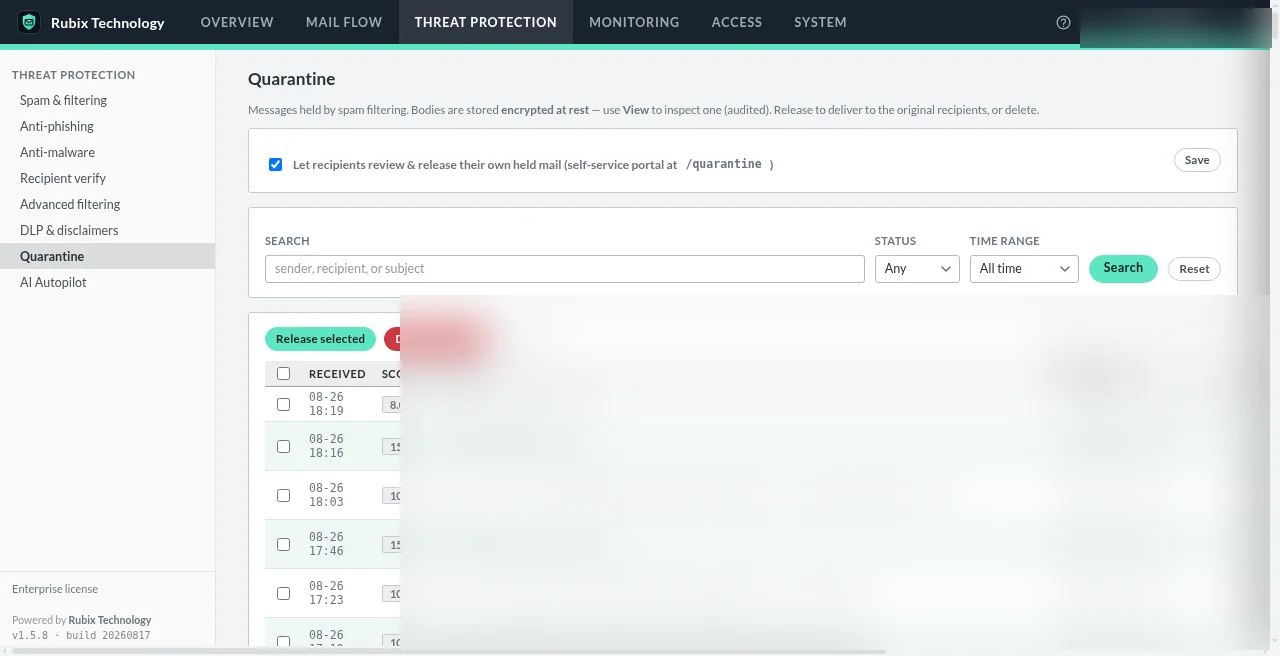
A day in the life.
Year-end tax documents
A preparer adds [secure] to the subject. The client gets a code by email and downloads the PDF from the portal.
A “change of bank details” email
The sender fails DMARC for the supplier's domain; it's scored and held in quarantine instead of reaching accounts payable.
A card number in an outbound reply
On Enterprise, DLP detects a valid card number going to an external recipient and applies your policy.
Know the boundaries.
We'd rather you hear the limits from us.
- Secure Message doesn't replace your compliance program or recordkeeping obligations.
- DLP and eDiscovery are Enterprise features; anti-phishing and the portal are Professional.
- Keys stay on your host. Back up the master key off-host. There is no escrow.
- Encryption at rest isn't end-to-end encryption; plan for metadata access controls.
Financial Services questions
Does Secure Message replace our archiving or compliance tools?
Not necessarily. Enterprise adds eDiscovery and archive search on your gateway, but your recordkeeping obligations depend on your regulators and existing systems.
Can clients reply securely?
Yes, with Professional. Replies come back through the portal, and reply attachments are re-scanned.
How does DLP avoid false positives?
It validates by checksum rather than pattern alone: card numbers are Luhn-checked and national identifiers validated by their own algorithms.
Do we have to move our mailboxes?
No. Mailboxes stay with your current provider.
See it with your own mail flow.
A short demo, tailored to how your team actually sends and receives email.