
Email security you can actually run.
Manage email filtering and security from infrastructure you control. One Debian host, a clear console, sensible failure behaviour and documentation that tells you exactly what it does.
What we hear from teams like yours.
Too many consoles already
Another sprawling platform is the last thing you need.
Black-box filtering
When mail goes missing, you need to see why.
Vendor dependencies in the mail path
An outage somewhere else shouldn't stop your mail.
Budget scrutiny
Per-user cloud pricing grows with headcount.
Practical protection, clearly licensed.
Simple to deploy
One installer, one prompt and a five-step browser wizard on Debian 13.
CommunityTransparent decisions
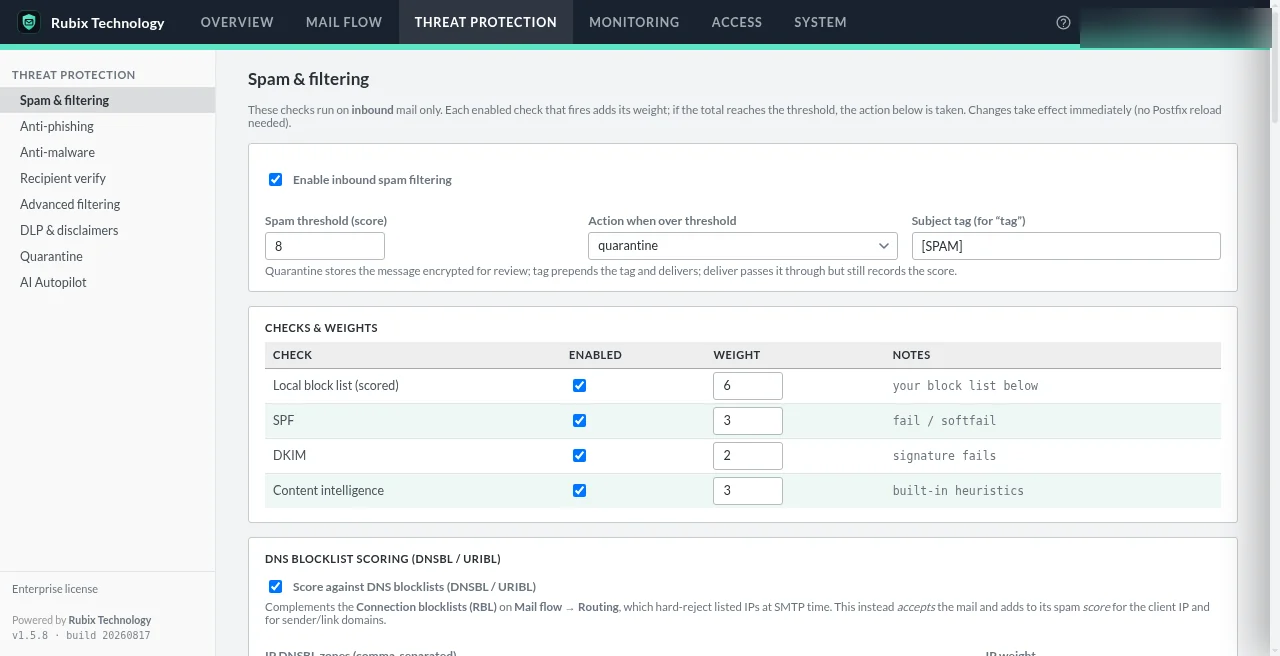
Weighted scores and a mail flow log show how each message was judged.
CommunitySensible failure modes
Filter errors defer, malware scanning fails closed, reputation checks fail open, and bad Postfix edits roll back.
Every planPredictable licensing
Annual license per gateway: free Community, $690 Professional, $1,490 Enterprise.
Every planWhat your clients' recipients see
Professional's secure portal, as a simulated walkthrough.
You have received a secure message from Northbrook Family Practice.
Open it in your browser. You won't need an account or a password.
Open secure messageProtected by Secure Message. The content is not included in this email.
Secure message for
j••••@example.org
We'll email a one-time code to this address. Codes expire after 15 minutes.
Send my codeEnter your one-time code
We sent a 7-digit code to j••••@example.org.
Open message5 attempts · resend available after 60 seconds
Hi Jordan, here are the prep notes for Tuesday's visit. Please bring your insurance card and arrive ten minutes early.
visit-prep.pdfA day in the life.
Evaluating on a test domain
Install Community, point a test domain at it and watch the mail log before touching production MX.
In front of Microsoft 365
Inbound mail is filtered on your gateway before it reaches Microsoft 365 mailboxes; outbound can relay through it.
A quiet Monday
The 07:00 quarantine digest lets people release their own held mail; the 07:30 admin report lands in your ops mailbox.
Know the boundaries.
We'd rather you hear the limits from us.
- Only ports 25, 80 and 443 are exposed; everything else binds to loopback.
- Back up the master key off-host. There is no escrow or rotation.
- Updates are signature-verified; auto-apply is off by default.
- Run the built-in preflight and smoke test any time.
Internal IT Teams questions
What are the system requirements?
A dedicated Debian 13 server or VM, 2 vCPU and 4 GB RAM to start (budget about 2 GB for ClamAV if you enable anti-malware). Ports 25, 80 and 443 inbound; 25 outbound.
Is Docker supported?
Native systemd (“metal”) is the supported install. Container deployment exists but isn't yet supported.
Can we evaluate without a license key?
Yes. With no key applied, the gateway runs in the Community tier: 1 domain, 1 administrator.
Does it work with Microsoft 365?
Yes. It's a gateway in front of the mail you already run, including Microsoft 365: inbound mail flows through the gateway before it reaches your mailboxes, and outbound mail can relay through it as a smart host. Administrators can also sign in to the console with Microsoft Entra SSO. The exact connector setup depends on your tenant, so check the DNS, TLS & mail records guide or ask us.
See it with your own mail flow.
A short demo, tailored to how your team actually sends and receives email.